PunchMonkey
The racer app for checkpoint races, scavenger hunts and any event built around visiting checkpoints.
On Google PlayFor Android phonesNo account needed to race
What it is
PunchMonkey is the phone app for checkpoint races. Find a public event, pick your race and your team, and race with just a racing name — no account needed.
You claim each checkpoint by tapping an NFC tag, scanning a QR code, or checking in by GPS. Results appear live on the event’s public results page at punchmonkeyserver.com, the website that runs the races (see PunchMonkeyServer).

For Android phones. After it installs, open it from your apps.
Have an iPhone, or no Android phone? You can still race from your phone’s browser: open the event on punchmonkeyserver.com, press Start Race (or Join Race), and check in at each checkpoint by scanning its QR code or by GPS. Tapping NFC tags needs the app.
What you can do
- Find a public event, pick your race and team, and race without an account.
- Claim checkpoints three ways: tap an NFC tag, scan a QR code, or check in by GPS.
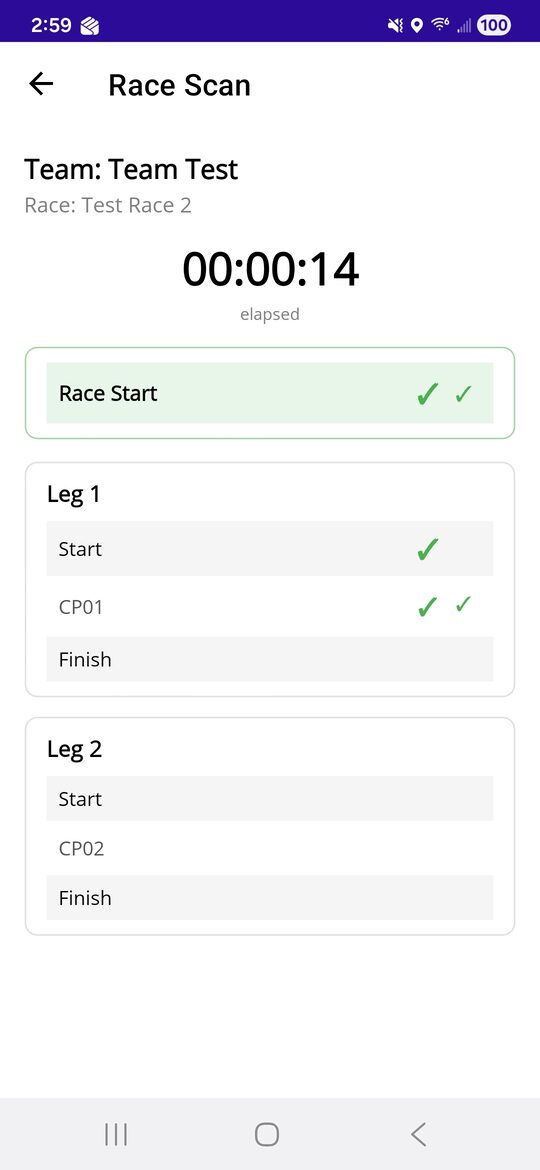
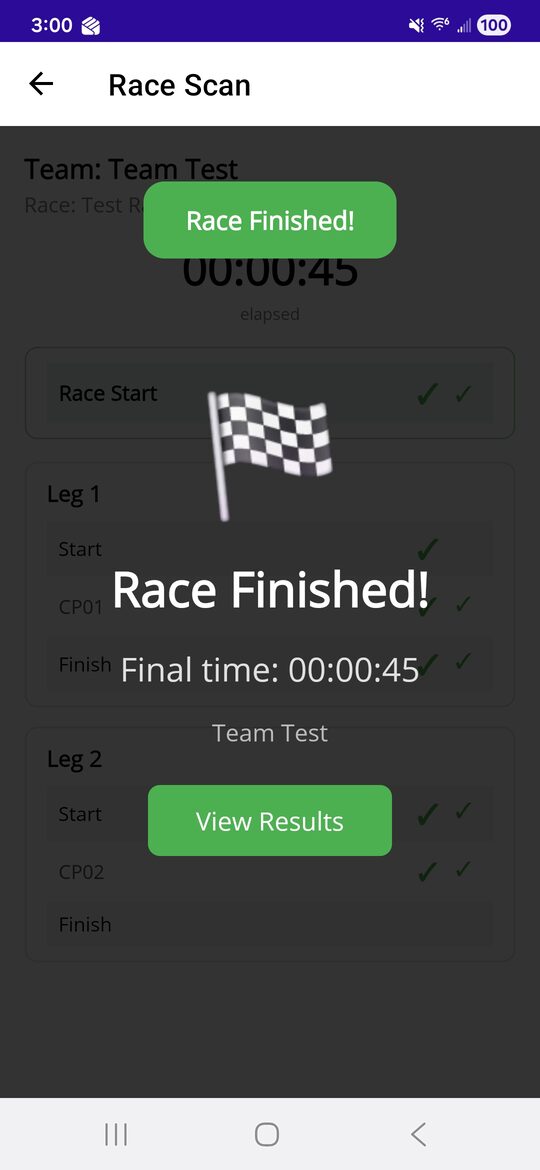
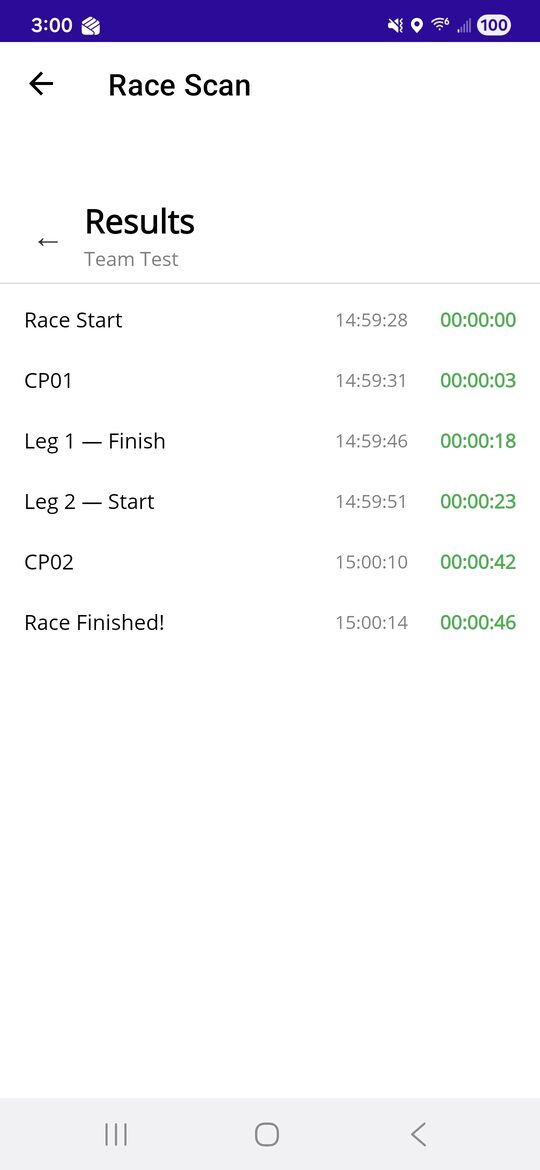
- Start and finish each leg (a stage of the race) and the race itself the same ways, with a “Race Finished!” banner at the end.
- See each checkpoint’s status — found, and uploaded. Scans made without signal are sent when you are back online.
- Leg descriptions and map hints (GPS coordinates and a map pin), and one tap to open the leg’s map in NaViViewer, a separate map app (see NaViViewer).
- An optional racer account (Google, Facebook or Apple) keeps your race history.
- Tools: an NFC tag reader and writer, a QR scanner, and a GPX builder.
What it looks like
Who it is for
Racers and teams at orienteering-style races, adventure races and scavenger hunts. Race directors set events up on punchmonkeyserver.com.